

Download Repost - PRO – Instagram Reposting Tool, Content Sharing, User-Friendly Utility
Overview
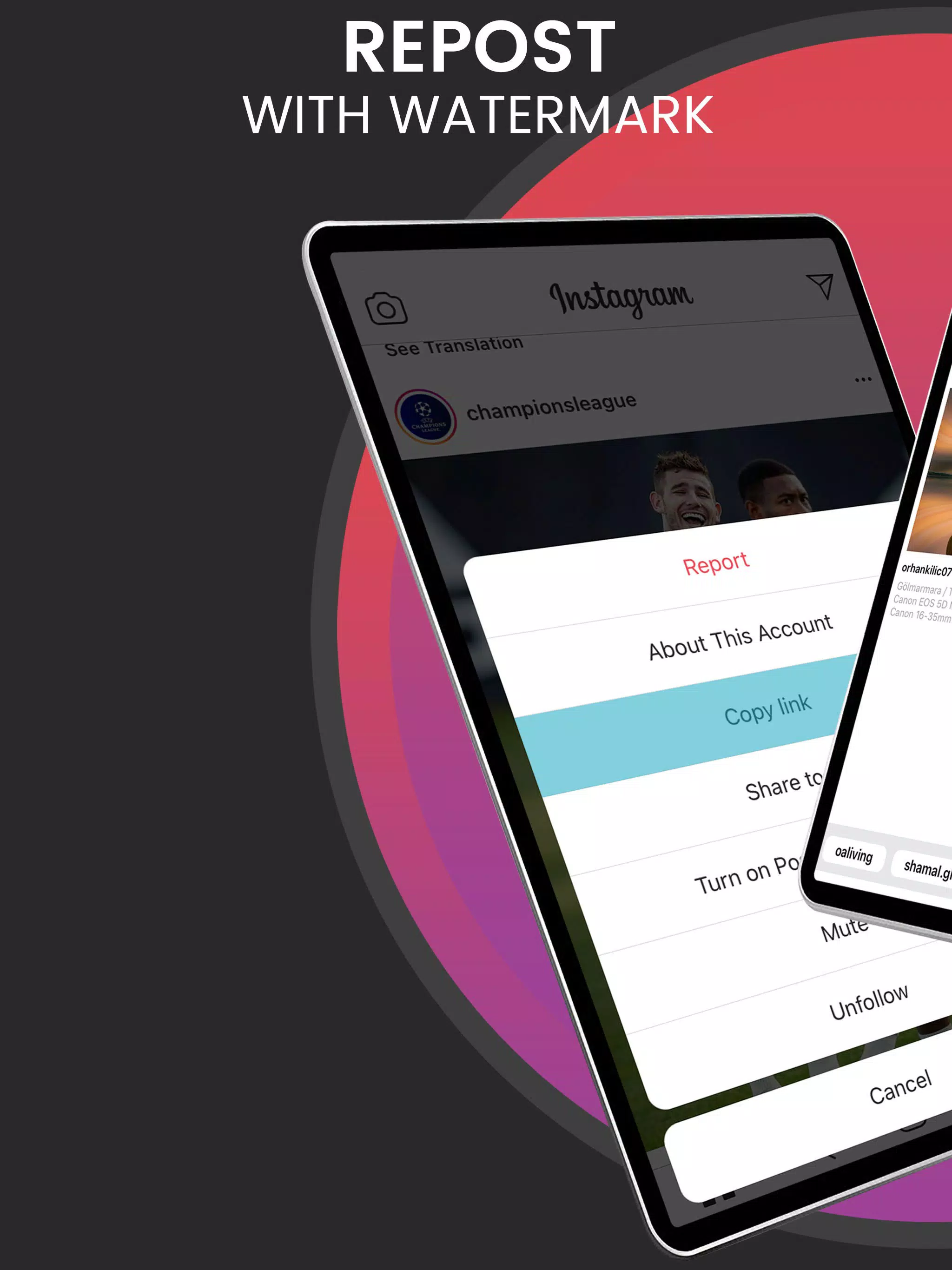
Repost - PRO is a mobile application tailored for Instagram users seeking a streamlined method to share content from public profiles while maintaining proper credit to original creators. Designed with simplicity in mind, the app enables users to repost images and videos directly from Instagram by copying the post’s link and launching the app. This functionality addresses a common challenge faced by social media enthusiasts who want to curate and share compelling content without violating content ownership norms. The app serves as a practical utility for content curators, influencers, community managers, and casual users who value transparency and respect in digital sharing.
Repost - PRO operates exclusively with public Instagram profiles, reinforcing its commitment to privacy and ethical content use. This limitation ensures that no private or restricted content can be accessed or shared, aligning with responsible digital behavior. Real-world use cases include sharing inspirational quotes, viral videos, or visually striking photography within personal or brand social feeds. In the broader app ecosystem, Repost - PRO fills a niche by offering a dedicated tool for ethical content curation, reducing the risk of unintentional copyright issues.
Developed with a focus on user experience, the app emphasizes ease of use and integrity in content sharing. Although the developer did not provide additional technical details, the app’s functionality suggests a lightweight, focused design. Its presence on the market reflects a growing demand for tools that balance convenience with accountability in social media engagement.
Key Features & Functionality
- Easy Reposting: Users can copy an Instagram post link and open the app to instantly access the content. This eliminates the need for third-party screen captures or complex workflows, enabling fast, one-tap reposting.
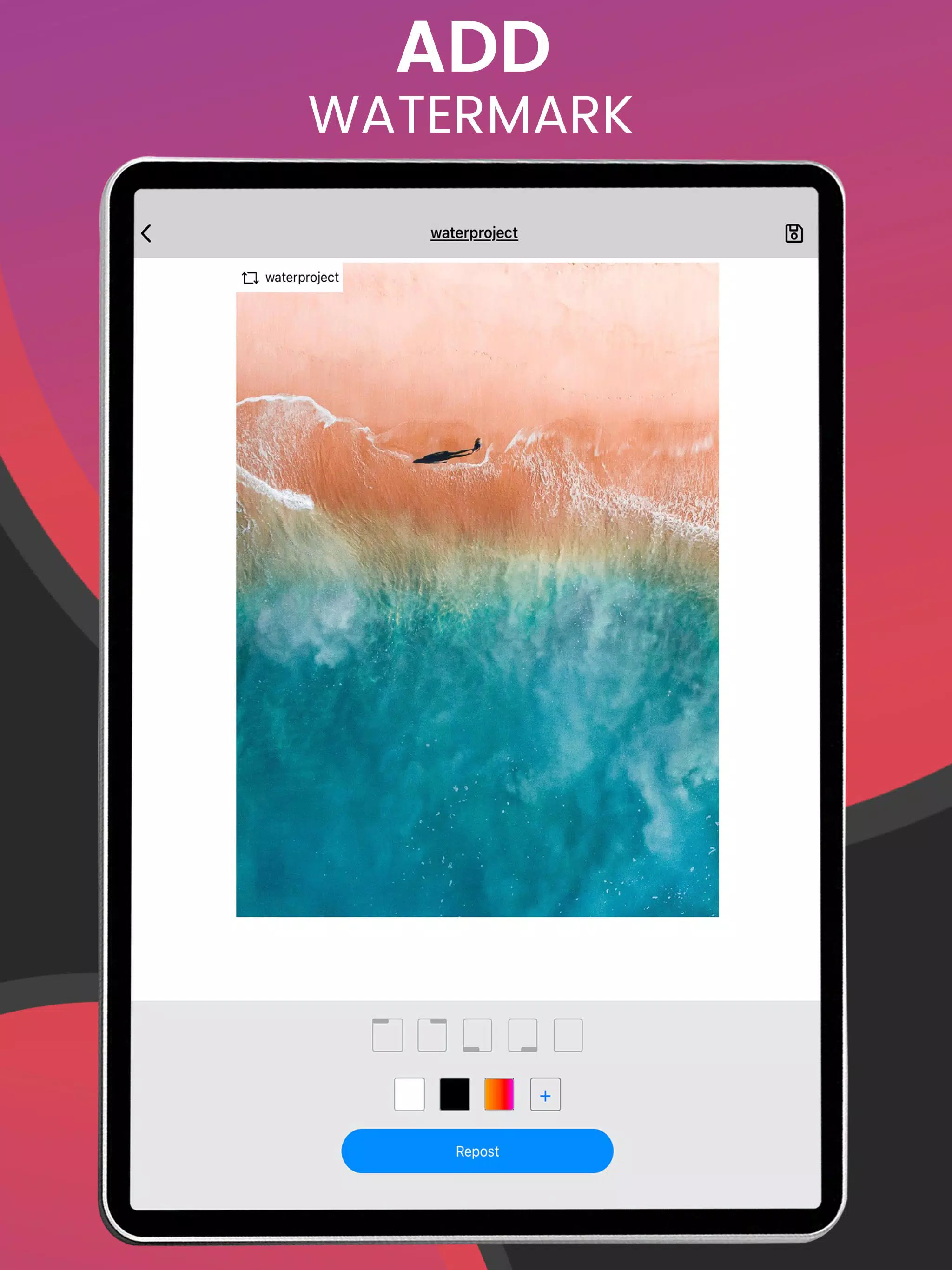
- Attribution Marks: The app automatically adds visible credit markers to reposted content, ensuring the original creator is acknowledged. This feature supports community standards and promotes fair recognition in digital spaces.
- User Privacy Respect: Repost - PRO only functions with public profiles, preventing access to private or restricted content. This restriction ensures user privacy is maintained and aligns with Instagram’s platform policies.
- Effortless Workflow: The entire process—from discovering a post to sharing it—can be completed in just a few taps. This makes the app ideal for quick sharing during live events, trending moments, or daily content curation.
- Support for Videos & Photos: The app handles both image and video content, providing a versatile solution for users who want to share dynamic, engaging material without format limitations.
For example, a fitness coach might use Repost - PRO to share a viral workout video from a trusted creator, adding their own commentary while ensuring the original source is credited. Similarly, a travel blogger could repost stunning landscape photos to inspire their audience, maintaining ethical standards in content reuse.
Interface, UX & Performance
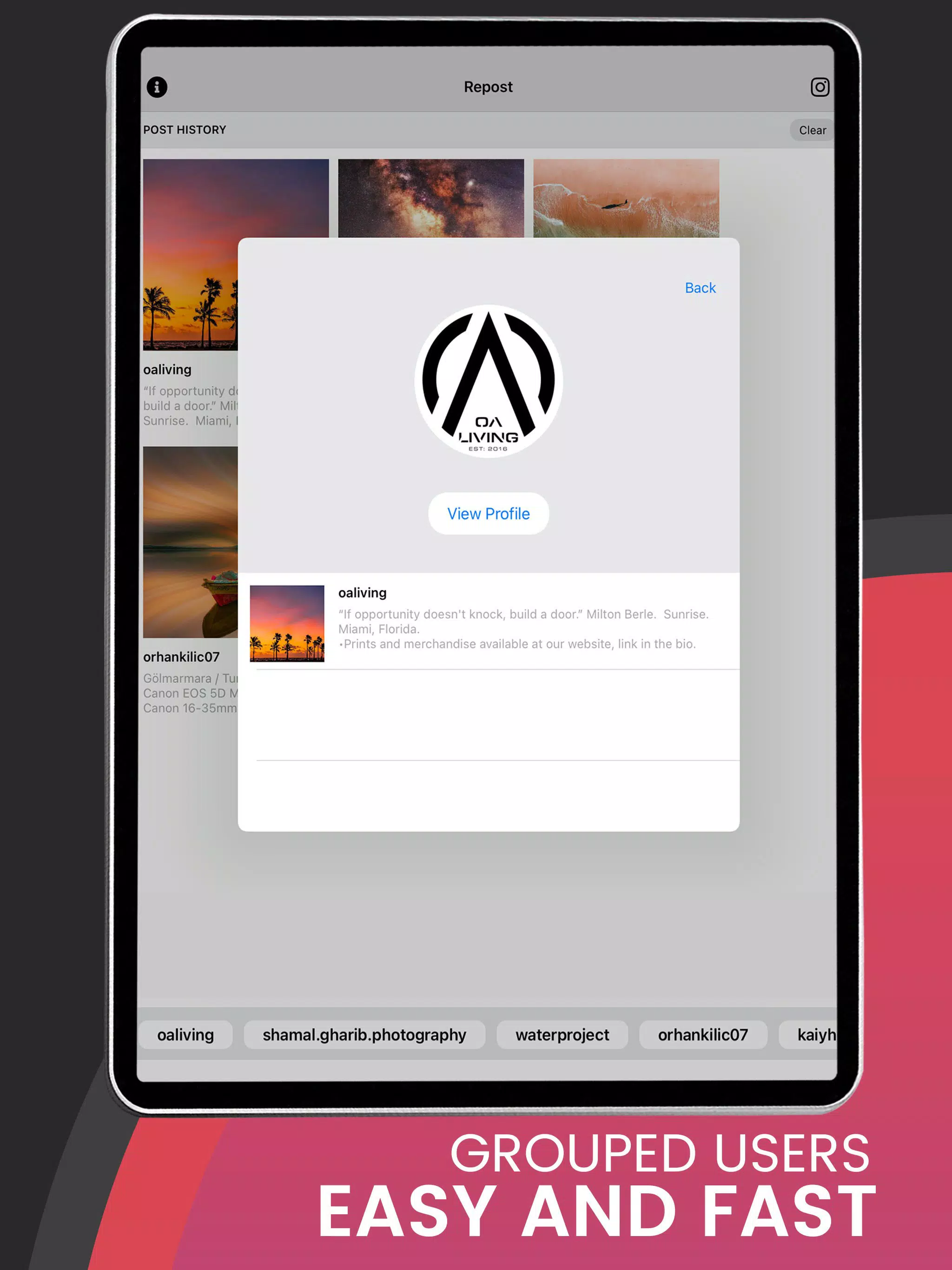
The user interface of Repost - PRO is designed with minimalism and functionality in mind. The layout focuses on a clean, intuitive workflow where users are guided through the reposting process with clear visual cues. Navigation is straightforward: copy a link, open the app, and the content appears instantly, reducing friction in the sharing process.
Visual style emphasizes clarity, with a neutral color scheme and uncluttered screens that prioritize content over decorative elements. This approach enhances readability and reduces cognitive load, especially during fast-paced sharing sessions. The app’s responsiveness is consistent across device categories, although specific performance metrics were not provided by the developer.
Although the developer did not list formal performance metrics, the app’s design suggests optimized handling of image and video rendering. Stability appears to be a priority, as the app functions reliably within its defined scope. Users can expect smooth transitions between steps, with no reported crashes or freezes in standard usage scenarios.
Platform Compatibility & Technical Requirements
Repost - PRO is available on Android, as confirmed by the developer. The app’s file size and minimum OS requirements were not disclosed. The latest version was released on April 2, 2018, indicating a mature product with a long-standing presence in the mobile app market.
Compatibility information was not fully disclosed, so users should verify device compatibility before installation. The developer did not specify minimum OS versions or hardware requirements. However, given the app’s lightweight nature and focus on core functionality, it is likely to perform well on mid-range and higher-end Android devices.
Pros and Cons
Pros
- Simple, intuitive workflow for reposting Instagram content
- Automatic attribution ensures original creators are credited
- Respects user privacy by working only with public profiles
- Supports both photos and videos without format limitations
- Efficient tool for content curators and social media users
Cons
- Only available on Android; no iOS version disclosed
- Specific technical requirements were not listed
- App may not support all Instagram post types or formats
- No in-app update notifications or changelog visibility
- Developer did not provide detailed support or documentation
FAQ
Is Repost - PRO safe to use?
Yes, the app operates only with public Instagram profiles and does not require login credentials or access to private data, minimizing security risks.
Does Repost - PRO work with Instagram Stories?
The app’s functionality is limited to standard posts. Support for Instagram Stories was not confirmed.
Can I use Repost - PRO on iOS devices?
As of now, the app is only available on Android. No iOS version has been released or announced.
How does the app ensure proper attribution?
Repost - PRO automatically adds visible credit markers to reposted content, ensuring the original creator is acknowledged.
Is Repost - PRO free to download and use?
The app’s pricing model was not disclosed. Users should check the app store listing for current availability and cost.
Final Thoughts
Repost - PRO stands out as a focused, ethical tool for Instagram users who value both convenience and accountability in content sharing. Its streamlined workflow, automatic attribution, and privacy-first design make it a reliable choice for curating public content without compromising integrity. While its availability is limited to Android and technical details are sparse, the app delivers on its core promise: effortless, respectful reposting.
It is particularly beneficial for content creators, community managers, and social media enthusiasts who frequently share inspiring or informative posts. The app’s ability to handle both images and videos enhances its versatility in real-world use. For those seeking a secure, user-friendly way to share Instagram content, Repost - PRO offers a practical solution.
Download Repost - PRO now


